All Technologies Used


Motivation
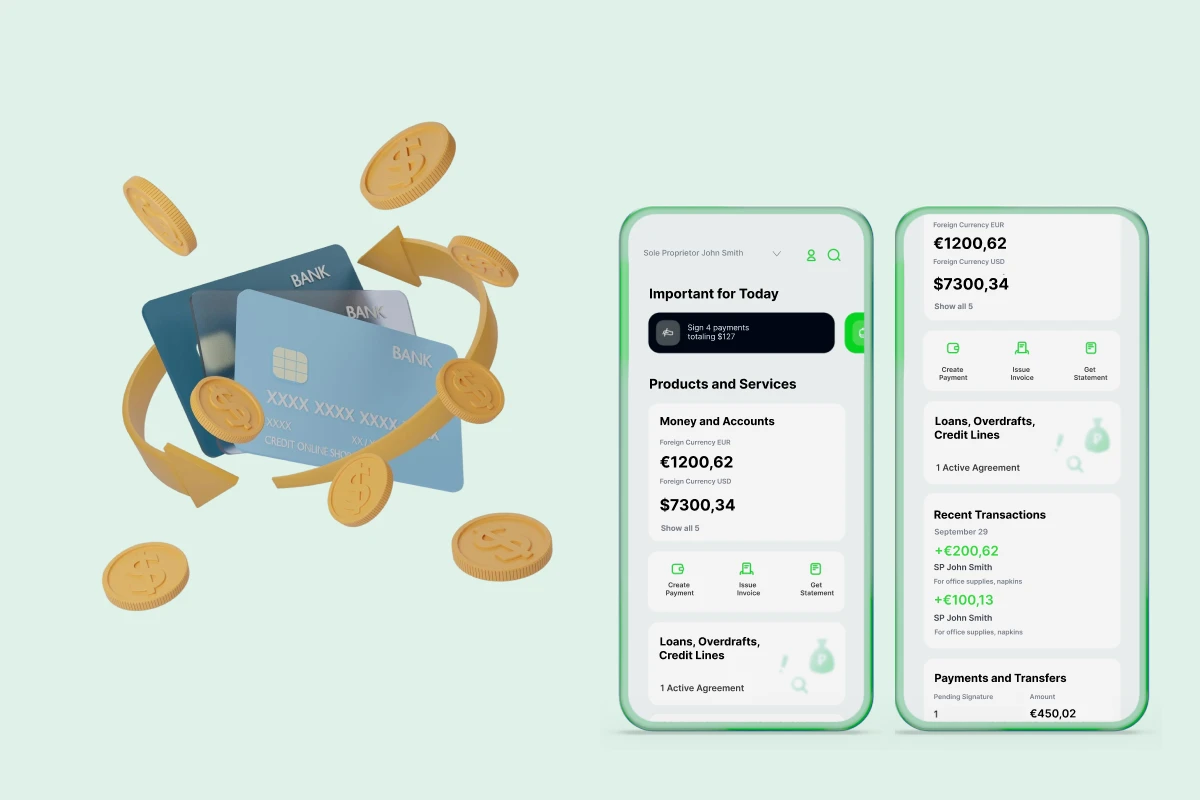
The customer, a leading provider of software and consulting for governmental and business sectors, needed a fully redesigned financial management system UI that was bug-free, modern, and optimized for both desktop and mobile devices. The outdated interface and numerous bugs caused inefficiencies, errors in daily workflows, and poor user experience. Their goal was to streamline UI interactions, improve usability, ensure compatibility across devices including legacy browsers, accelerate task completion for municipal finance staff, and deliver a user-friendly, responsive, and high-performance interface.
Main Challenges
Due to strict access control policies, our team faced delays in deploying and testing the UI. Our engineers couldn’t preview the UI changes immediately, as they needed to go through project managers and the in-house team. This created a bottleneck, which was partially addressed by implementing continuous integration for CSS deployment.
The absence of detailed issue tracking made task management challenging. Tasks were assigned directly by project managers with no clear software tool for tracking progress. As the project expanded, the team introduced Trello Boards for clearer task definition and tracking.
The project was complicated by the fact that the initial HTML structure couldn’t be altered. Since the back-end automatically generated the HTML, making changes was difficult without complex JavaScript manipulations. Azati’s engineers worked closely with the back-end team to push desired HTML changes into production.
Our Approach
Want a similar solution?
Just tell us about your project and we'll get back to you with a free consultation.
Schedule a callSolution
Reusable UI Components
- Consistent visual language across all UI screens
- Reusable components reduce development time for new features
- Easier maintenance and updates
- Improved collaboration between front-end teams
Optimized Styles and Layouts
- Responsive layout for desktop, tablet, and mobile devices
- Optimized CSS for performance and minimal page load time
- Compatibility with legacy browsers including IE10
- Scalable style architecture for future UI updates
Table Redesign and Optimization
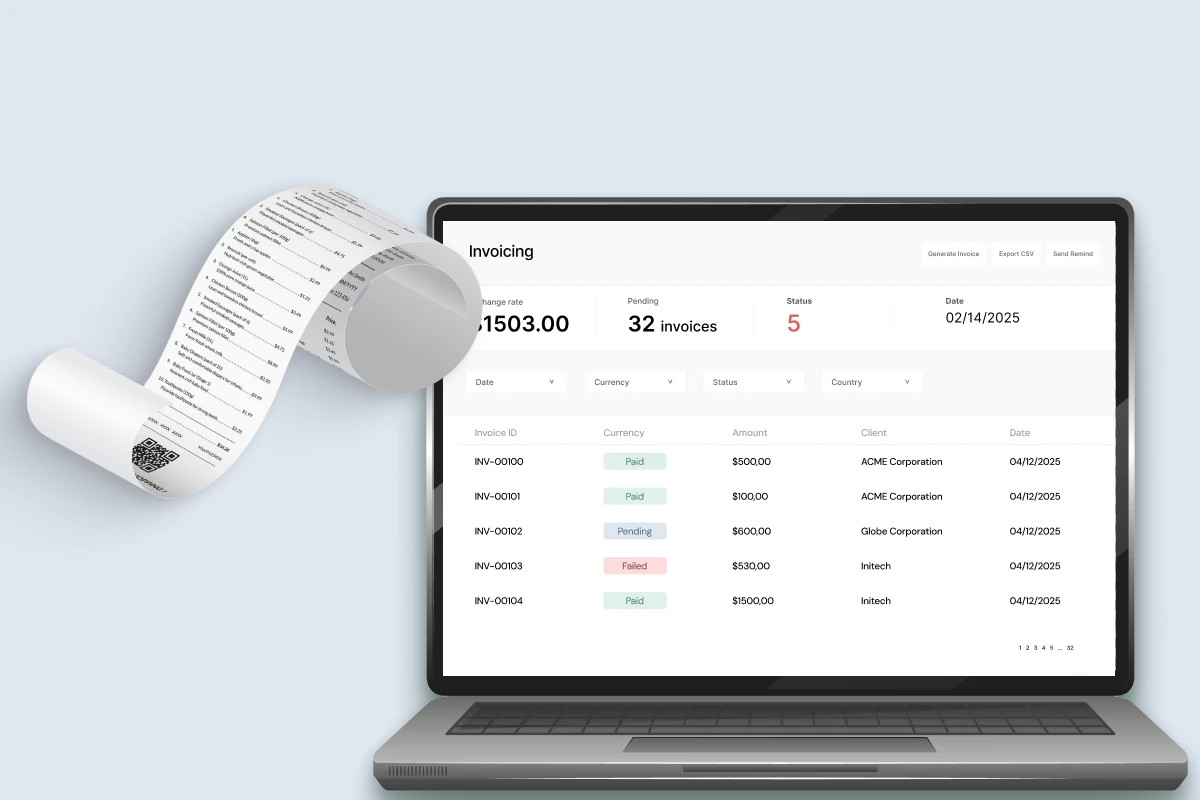
- Enhanced readability and visual clarity for financial data
- Lazy loading reduces initial page load time
- Improved interaction and navigation in tables
- Support for large datasets without performance degradation
Continuous Integration for CSS
- Automated deployment of CSS changes
- Faster testing and preview of UI updates
- Reduced human errors during deployment
- Ensures synchronization between local and production environments
Mobile Optimization
- Optimized CSS and layout for mobile responsiveness
- Cross-device compatibility including legacy hardware
- Smooth and fast user interactions on mobile
- Enhanced accessibility and usability for field staff
Business Value
Enhanced User Experience: Redesigned UI improved usability, making workflows more intuitive and reducing errors for municipal finance staff.
Cross-Device Compatibility: Optimized interface ensures seamless performance on both desktop and mobile devices, including legacy browsers.
Faster Task Completion: Streamlined interactions and optimized front-end performance reduced the time required to complete common tasks by 35-55%.